Feature showcase
Everything the toolkit does, in one tour.
Canvas Teacher Toolkit lives in a single panel on every Canvas page. Here is the full set of tools: what is included free the moment you install, and what the optional $5/month upgrade adds.
Design and build
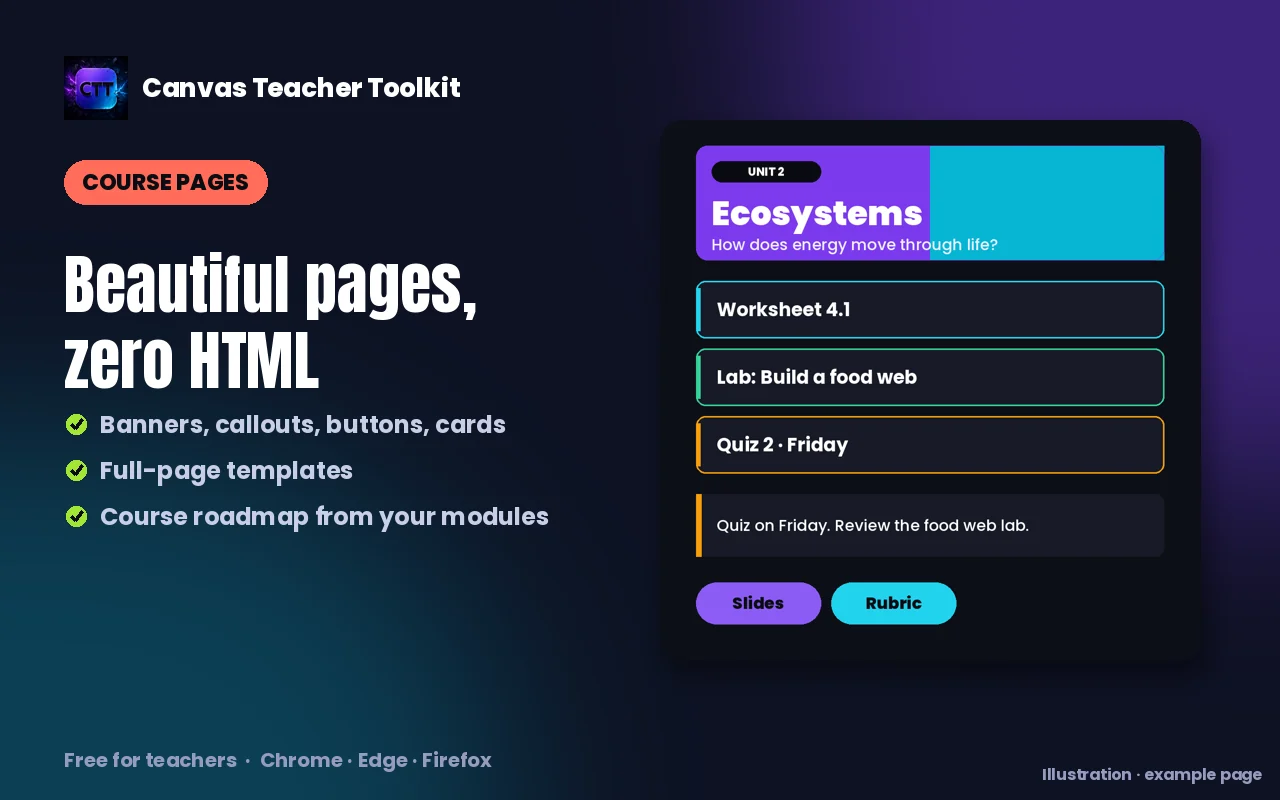
Beautiful Canvas pages, no HTML.
Give your course a consistent, modern look in minutes, starting free.
Full dark modeFree
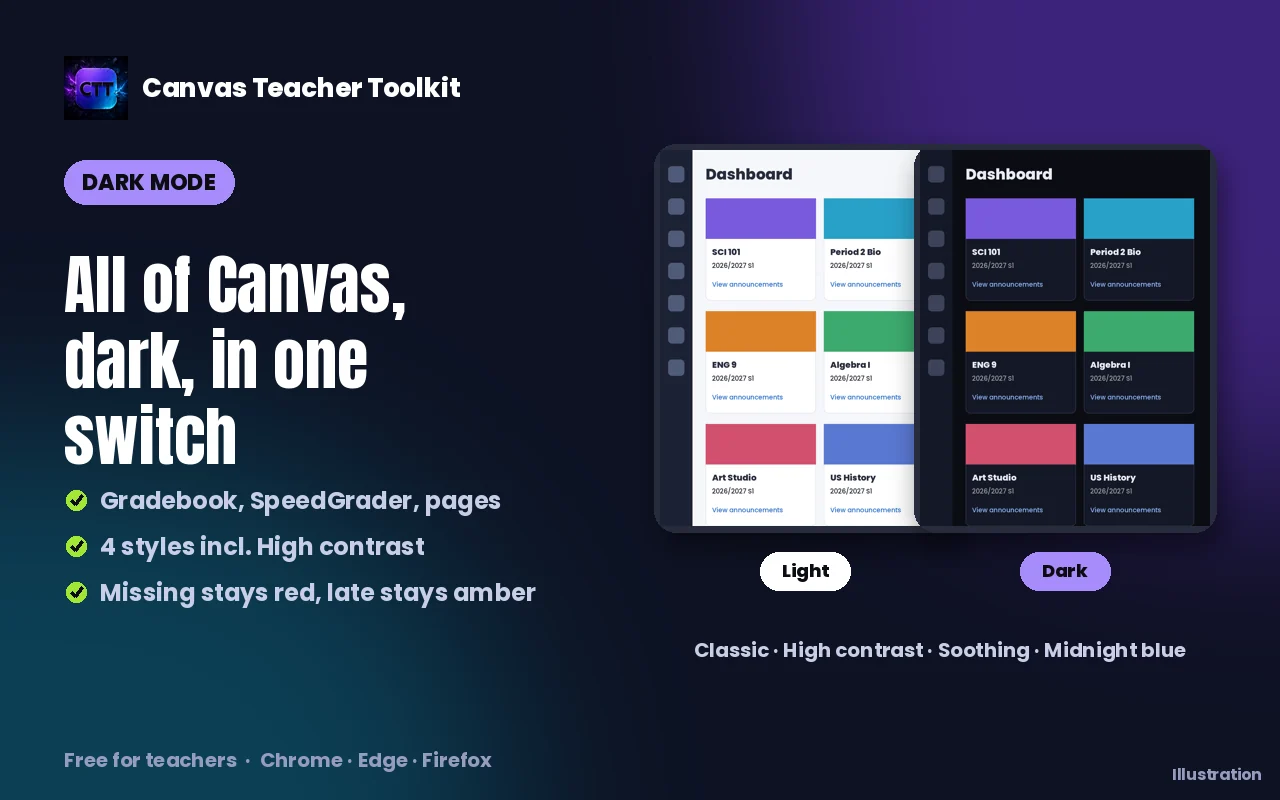
One click turns all of Canvas dark: gradebook, dialogs, files and announcements included. Missing assignments stay highlighted in red so nothing slips past you.
Page design componentsFree
Drop in styled hero banners, callout boxes, buttons, unit cards, vocab chips and task lists. Then style any page dark and save it.
Ready-made page templatesFree
Start a Syllabus, Unit overview, Lab or Week-at-a-glance page from a polished template in one click, then fill in your details.
Custom colorsPremium
Recolor buttons, accents and the hero gradient to match your course or school palette. The colors carry across every component.
Course roadmap generatorPremium
Turn your modules into a clean, visual roadmap graphic your students can follow, generated automatically from your course.
Nothing slips by
Missing work, impossible to miss.
In dark mode the gradebook keeps Canvas's status colors, missing in red and late in amber, so the students who need a nudge stand out at a glance. Then message them all in one click.
- Missing submissions highlighted red, late in amber Free
- Turn those red flags into personalized outreach Premium
Grade faster
Grade, comment, advance. One click.
The grading tools live right in SpeedGrader, so you never leave the page or reach for the mouse.
Faster SpeedGraderPremium
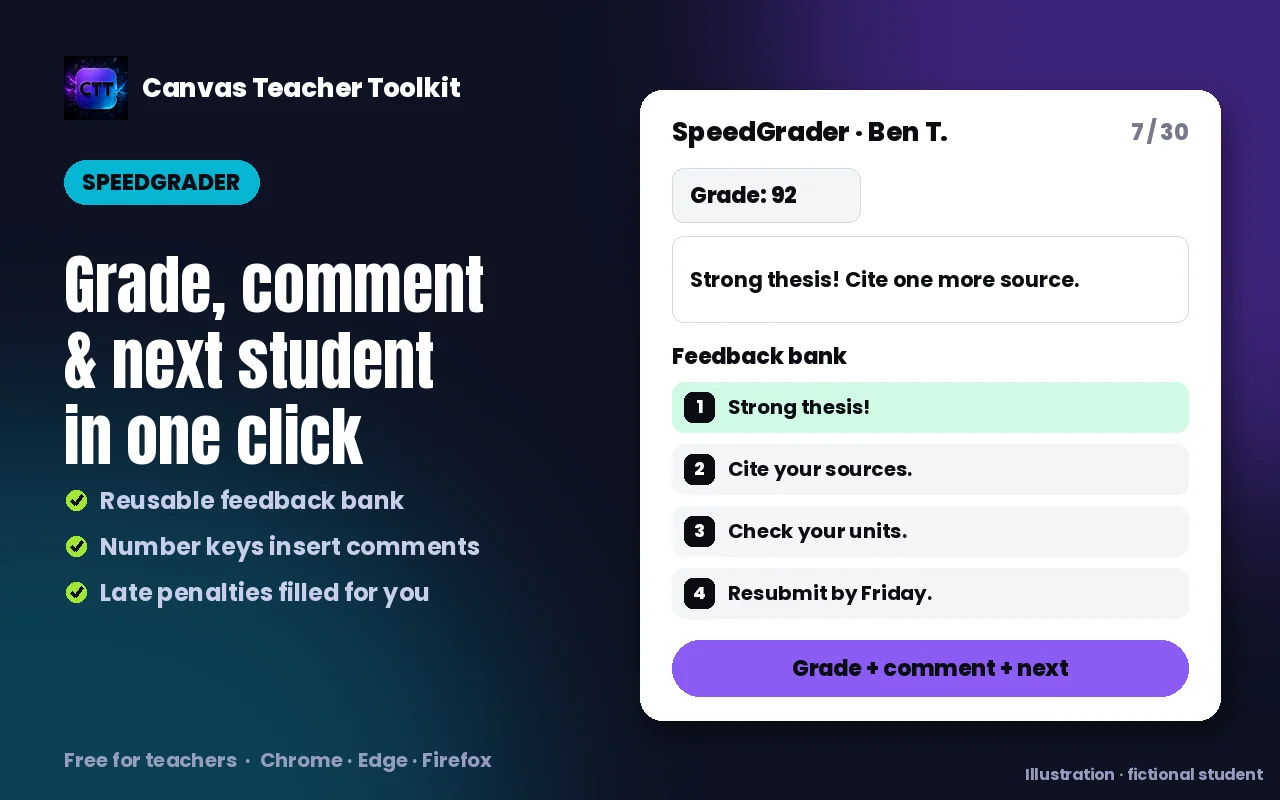
Set a grade, insert a saved comment and jump to the next student in a single click. Fill rubrics to full marks and use number-key shortcuts.
Reusable feedback bankPremium
Save the comments you write over and over, then insert them with one tap or a number key. Build it once, reuse it all year.
Automatic late penaltiesPremium
Your tiered late policy applied to the score in one click.
Achievement badgesPremium
Define a badge set per course, upload the art to your files, and award badges right inside student feedback.
Also in SpeedGrader: a 504/IEP badge for students with accommodations, rubric fill to full marks, and bracket keys to jump between students.
Manage the whole course
Change a hundred things in a few clicks.
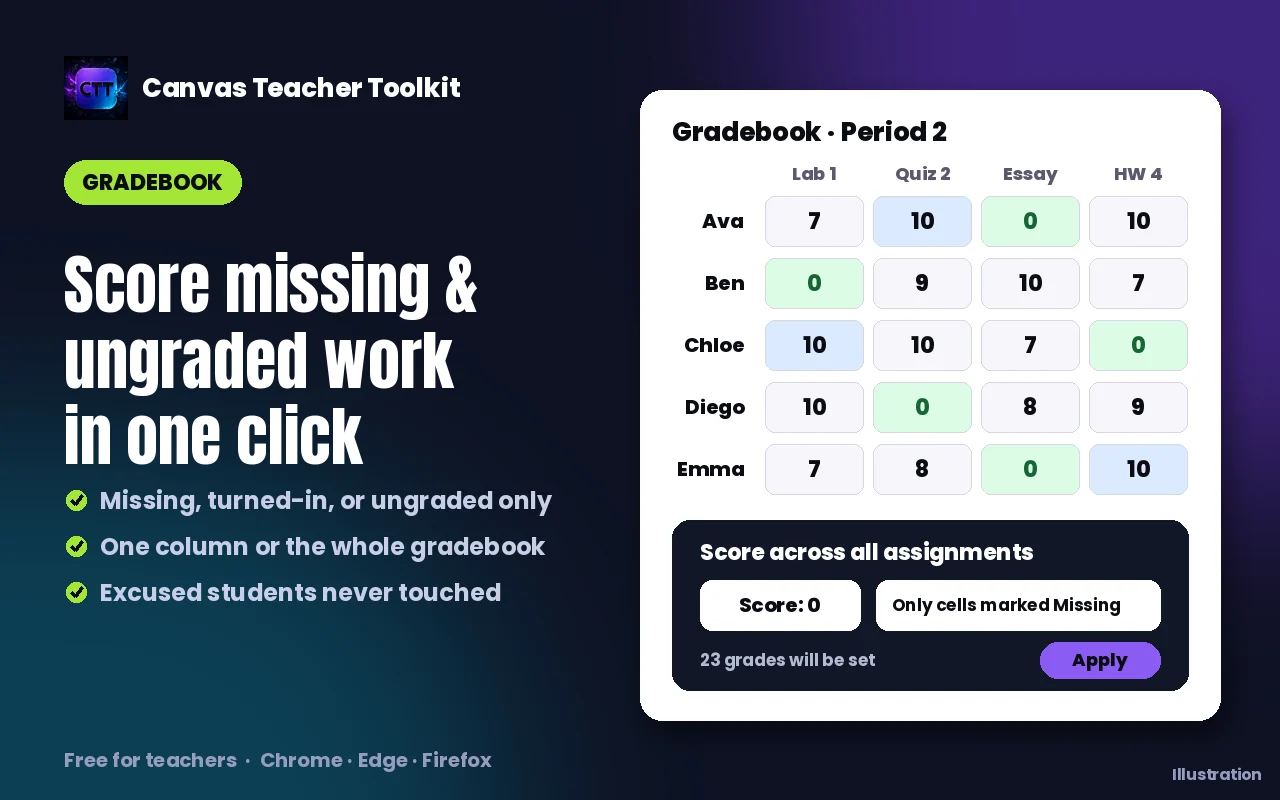
Course-wide bulk actions handle the end-of-unit scramble and the snow-day reshuffle. You pick which items are affected and exempt the rest, and these only change settings, never your content.
Course-wide bulk actionsPremium
Restyle every page dark, apply an assignment preset to many assignments, shift a batch of due dates, or publish and unpublish in bulk. You pick exactly which items, and exempt the rest.
Smart due datesPremium
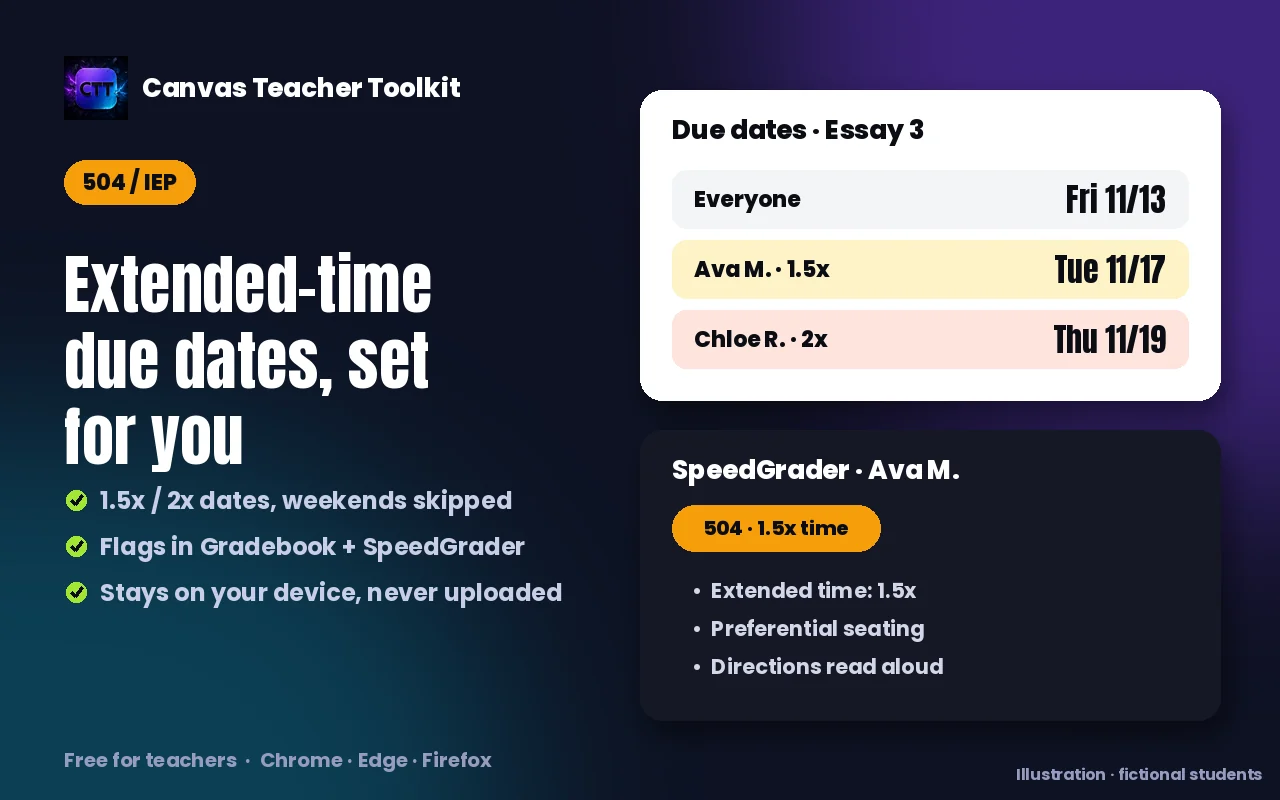
Set "due in X days" for the whole class. Count calendar or school days, skip holidays, and auto-apply extended-time overrides.
Assignment setup presetsPremium
Save your standard assignment settings (points, submission type, group, attempts) and apply the whole configuration in one click.
One-click missing-work outreachPremium
Message every student who has missing work with a personalized note listing their own late assignments.
Insight and support
Teach every student well.
The tools that help you see who needs help, and reach them.
More on 504 and IEP accommodations504 / IEP accommodationsPremium
Bulk-import a whole caseload, keep private on-device records that follow each student into every course, and see accommodations in the gradebook and SpeedGrader.
Class health dashboardPremium
See grade distribution, best and toughest assignments, and which students may need help, pulled live from Canvas.
Accessibility checkPremium
Scan a page for missing alt text, skipped headings, vague link text, header-less tables and low contrast, with plain-English fixes for each.
Private by design
Your data never leaves your device.
Preferences, feedback, grades you view and sensitive 504/IEP notes all stay in your browser. The only thing ever sent out is a license check to confirm a Premium subscription.
Ready to try it?
Install free in about a minute. No account, no card. Everything marked Free is yours right away.